Zermatt Winter Mountain Photography 2026 Guide
Master Zermatt winter mountain photography 2026 with our expert guide to capturing the Matterhorn in snow, low temperatures, and light.
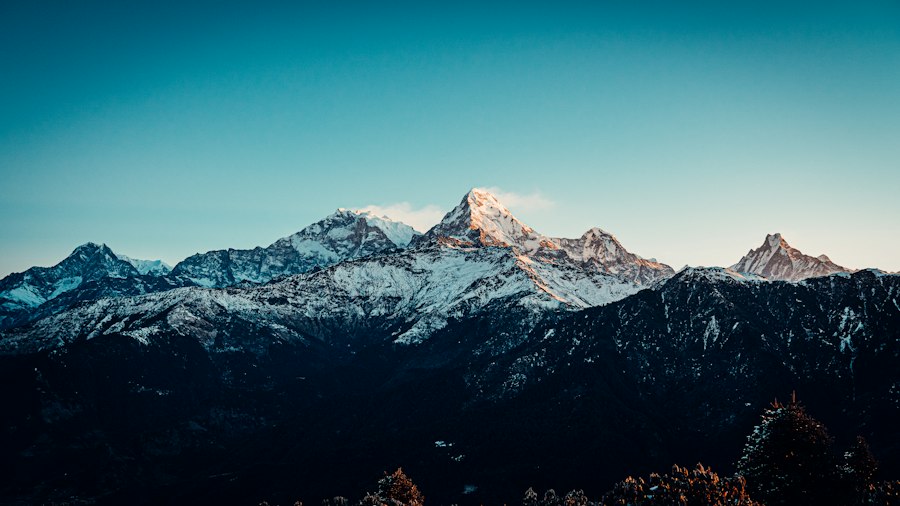
Mastering Zermatt winter mountain photography 2026 is the ultimate dream for landscape photographers, and I am here to help you capture the Swiss Alps like a seasoned professional this season.
There is nothing quite like standing in the crisp, sub-zero air of Valais as the first light of dawn hits the jagged peak of the Matterhorn. But winter alpine shooting brings unique challenges that can easily ruin your images if you are unprepared. In this guide, I will coach you through the essential gear, camera settings, and creative techniques you need to make your alpine portfolio stand out in 2026.
First, Let's Look at the Winter Gear You Need
The secret to successful alpine photography in freezing conditions is keeping both yourself and your equipment functioning. Cold temperatures drain camera batteries rapidly and can cause digital sensors to behave unpredictably.
Before you pack your bags for Switzerland, make sure your camera bag contains the right tools. Here is my recommended checklist for your winter adventure:
- At least three spare batteries: Keep these in your inner jacket pocket close to your body heat.
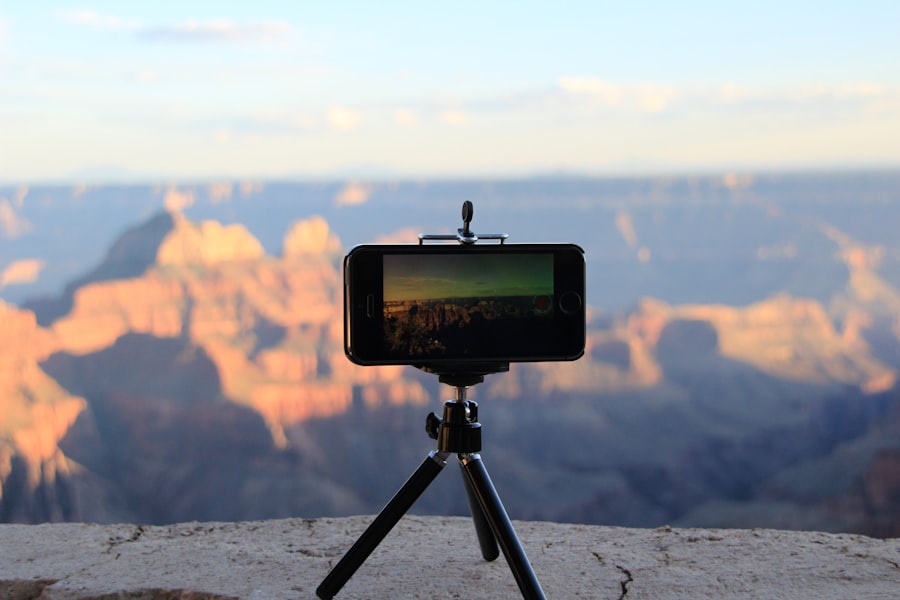
- A sturdy carbon fiber tripod: Aluminum tripods can become painfully cold to handle and can crack in extreme sub-zero temperatures.
- Circular Polarizer (CPL): This filter reduces glare from the snow and coaxes out the deep, rich blues of the alpine sky.
- Lens blower and microfiber cloths: Falling snow will land on your front element, and you must blow it off rather than wiping it to avoid smudges.
If you are looking to upgrade your camera body before your trip, check out the weather-sealed capabilities of the latest mirrorless systems like the Sony Alpha series or the professional bodies reviewed on DPReview.
The Secret to Exposing Snow: Overcoming Your Camera's Brain
Now try this: step outside into a bright, snowy field, set your camera to Auto mode, and take a shot. Your photo will likely look gray, dingy, and disappointing. Why does this happen?
Your camera's light meter is calibrated to expect a world that averages out to 18 percent neutral gray. When the sensor is flooded with bright, reflective white snow, the camera thinks the scene is blindingly bright. To fix this, it automatically darkens the image. This is where you must step in and take manual control.
To keep your snow looking pristine and white in your Zermatt winter mountain photography 2026 journey, you must master Exposure Compensation. By dialing your exposure compensation to +1 or +2 stops, you force the camera to let in more light, restoring the snow to its natural, brilliant white state. Keep a close eye on your histogram to ensure you do not clip your highlights, which would erase all the delicate texture in the snowbanks.
Golden Rule of Winter Photography: Always shoot in RAW vs JPEG. While JPEG files are compressed and discard valuable data, RAW files capture every bit of information your sensor can record. This gives you the dynamic range needed to recover shadow details in dark alpine pines and highlight details in bright glaciers during post-processing.
Step-by-Step Guide to Capturing Sunrise at Riffelsee
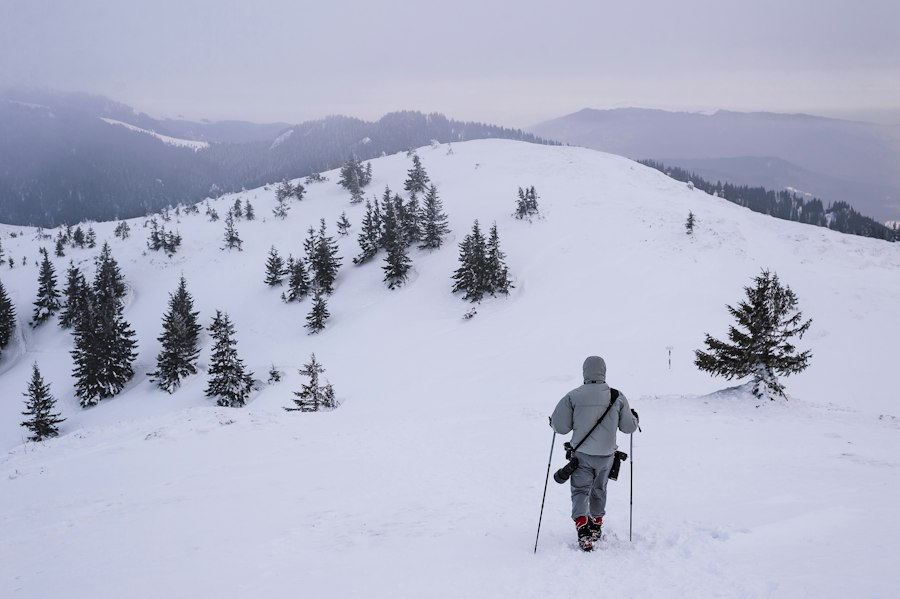
One of the most iconic spots for Zermatt winter mountain photography 2026 is the Riffelsee lake. While the lake is frozen and covered in snow during the winter, the composition options here are unmatched. Here is how to nail the shot:
1. Check the Gornergrat Railway Schedule
First, let's look at your logistics. You will need to take the early morning Gornergrat train from Zermatt. Dress in layers, as the wind at 2,582 meters can be brutal before sunrise.
2. Compose Using the Rule of Thirds
Position the towering peak of the Matterhorn on either the left or right vertical gridline. Avoid placing the horizon dead-center. Instead, place the snowy foreground in the bottom two-thirds of the frame to emphasize the pristine snow patterns shaped by the wind.
3. Manage Your ISO and Aperture
Set your camera to its native base ISO (usually ISO 100) to ensure the cleanest possible image with zero digital noise. Set your aperture to f/8 or f/11. This sweet spot ensures deep depth of field, keeping both the foreground snow textures and the distant mountain razor-sharp.
4. Fire with a Self-Timer
Don't forget to use a 2-second shutter delay or a remote release. Even the tiny vibration of your finger pressing the shutter button can cause micro-blur in your alpine landscape photos.
A few winters ago, I stood on the Gornergrat ridge, eager to capture the peak at sunrise. I shot in JPEG, left my camera in Auto mode, and did not use a tripod. The result? A blurry, muddy-gray image where the majestic Matterhorn looked like a dull hill. I fixed this by switching to Manual mode, shooting in RAW, dialing my Exposure Compensation to +1.3, and securing my camera on a sturdy tripod. The difference was night and day: the snow became a brilliant, sparkling canvas, and the peak glowed with golden morning light.
Recommended Settings for Zermatt Winter Mountain Photography 2026
To help you quickly set up your camera when your fingers are freezing, use this quick reference guide for your camera settings:
- Image Format: RAW (to maximize your dynamic range).
- Exposure Mode: Manual (M) or Aperture Priority (A/Av).
- ISO: 100 to 200 (for maximum image quality and minimal noise).
- Aperture: f/8 to f/11 for grand landscapes; f/2.8 if you want a beautiful, blurry background (known as Bokeh) for winter portraits.
- White Balance: Daylight or Cloudy (avoid Auto White Balance, which can turn snow too blue).
Creative Composition: Playing with Scale and Light
While the grand landscapes of Valais are breathtaking, do not forget to look for the smaller details that make your Zermatt winter mountain photography 2026 portfolio unique. Look for frozen icicles hanging from wooden chalets, or zoom in on the wind-blown ridges of the Findeln glacier.
You can also create a beautiful separation between your subject and the background. Try isolating a single snow-covered pine branch. By opening your aperture to f/4 or f/2.8, you will create a soft, creamy Bokeh background that makes the branch pop off the screen.
For more advanced post-processing tips on how to balance these high-contrast winter scenes, you can explore the workflow guides on Adobe Photoshop Tutorials to learn how to master the highlights slider.
Final Checklist Before You Head Out
As you prepare for your grand Zermatt winter mountain photography 2026 shoot, remember that patience is your greatest asset. The mountain weather in Switzerland can change in a matter of minutes. A peak that is completely shrouded in thick fog at 8:00 AM might clear to reveal pristine blue skies by 8:15 AM.
Keep your camera batteries warm, trust your histogram rather than your LCD screen, and do not be afraid to push your exposure compensation values to keep those snowscapes bright and clean. With these professional techniques in your photography toolkit, your winter images of Zermatt will look absolutely spectacular. Happy shooting!
Frequently Asked Questions
What is the best time of day to photograph Zermatt's winter mountains in 2026?
Golden hour just after sunrise and before sunset offers the warmest light on the Matterhorn. Midday can be harsh, so aim for early morning or late afternoon.
Which camera settings work best for snowy Zermatt landscapes?
Use a small aperture like f/8 to f/11 for sharpness and keep ISO low. Slightly overexpose by +0.3 to +0.7 EV because snow tricks meters into underexposing.
Do I need a polarizing filter for winter photography in Zermatt?
Yes, a circular polarizer cuts glare on snow and deepens blue skies. It also helps control reflections on ice and enhances the Matterhorn's contrast.
How can I protect my camera gear from Zermatt's freezing winter conditions?
Bring spare batteries and keep them warm in an inner pocket, as cold drains power quickly. Use a rain cover or plastic bag to prevent condensation when moving between cold and warm places.
Are there any restrictions on drone photography in Zermatt during winter 2026?
Zermatt generally bans drones in protected areas and near wildlife, and rules may tighten for 2026. Always check local signage and Swiss regulations before flying.
Matthias Weber digs into the craft of travel photography, from camera settings to editing. He explains the technical side in plain language so you can spend less time fiddling with dials and more time shooting.
💬 Comments (0)
No comments yet. Be the first!