White Balance Tips for Travel Photos 2026
Master white balance tips for travel photos in 2026. Learn to set custom WB, use presets, and fix color casts for natural, pro-looking images anywhere.
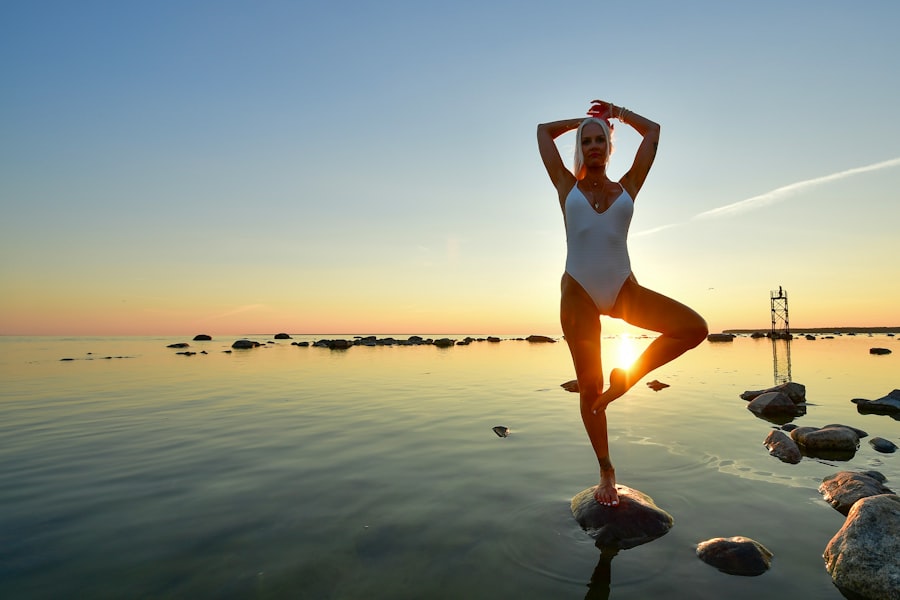
White Balance Tips for travel photos in 2026 can transform your images from dull, color-cast messes into vibrant, true-to-life memories. I’ll show you how to master this setting so your sunsets pop, your skin tones glow, and your snow stays white — every time.
Why White Balance Matters More Than You Think
You’ve been there, right? You snap a photo of a golden sunset over the Aegean, only to find it looks sickly yellow on your screen. Or you photograph a misty forest in Japan, but the moss comes out blue. That’s white balance — or rather, a lack of it. The camera’s sensor tries to guess what “white” should be, and without proper White Balance Tips, it gets confused. In 2026, even the best mirrorless cameras (like Sony’s A7 V or Canon’s EOS R6 Mark III) still need your help. Let me walk you through the fix.
A Personal Failure That Changed Everything
Last summer, I was in Marrakech shooting the brilliant tilework of Bahia Palace. The light was mixed — warm tungsten from lanterns, cool daylight through open windows. My camera’s Auto White Balance (AWB) gave me a flat, magenta mess. I didn’t check it until I got home. Every shot was ruined. That night, I Googled feverishly and found a simple White Balance Tips hack: use a gray card or a neutral patch. Next day I reshot the same scene, set a custom Kelvin value, and the tiles sang with their real emerald and cobalt tones. I never skip this step now.
Understanding the Kelvin Scale (No Math Required)
The secret is that light has a temperature measured in Kelvin (K). Lower numbers (2500-3500K) are warm, candlelight orange. Higher numbers (5500-7000K) are cool, blue shade. Daylight is around 5500K. Here’s the easy rule: match your camera’s Kelvin setting to the light source. In 2026, most cameras let you dial in exact numbers or use presets like Tungsten, Fluorescent, or Shade.
- Sunny day at noon: ~5200K - 5500K
- Overcast or shade: ~6500K - 7000K (warms it up)
- Tungsten indoor light: ~3200K
- Fluorescent office light: ~4000K (often greenish, so you’ll need a tint adjustment too)
Don’t forget to experiment. I often shoot at 4500K in shade to give skin a slight warm glow — it’s a cheat code for portraits.
The Great RAW vs JPEG Debate (2026 Edition)
Now try this: set your camera to RAW mode. In 2026, even entry-level cameras like the Nikon Z50 II shoot excellent RAW files. Why? Because RAW lets you change white balance after the shot with zero quality loss. JPEGs lock in the WB permanently — what you see is what you get. But here’s my coach tip: don’t rely on post-processing as a crutch. Get it close in-camera, then fine-tune in Lightroom or Capture One. Your editing time will drop by half.
Cheat Sheet — The Golden Rule of White Balance: Always set your white balance for the dominant light source. If you have mixed light (e.g., sunset + shade), choose the light hitting your subject’s face. For landscapes, go with the mood you want — warm for sunrise, cool for fog.
Step-by-Step: How to Set White Balance on Any Camera
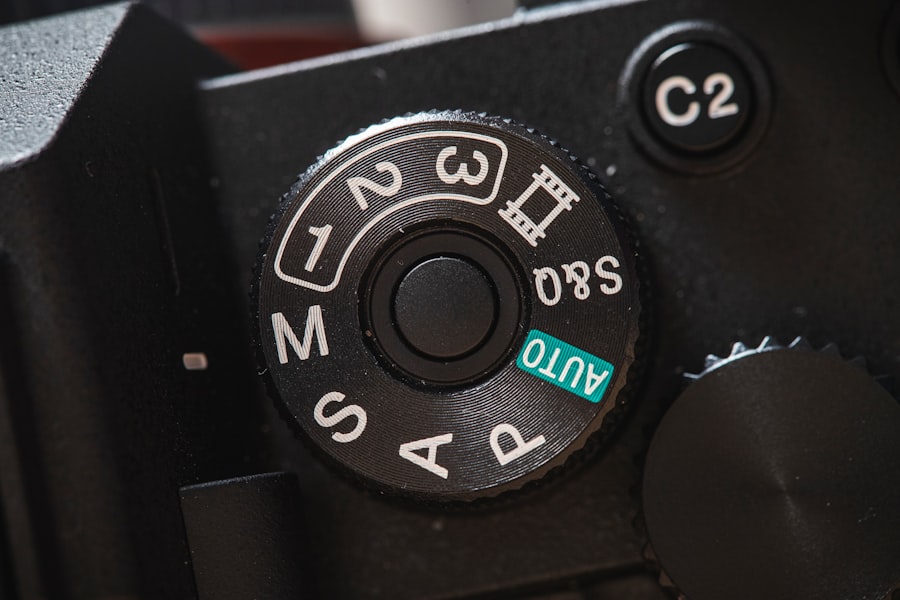
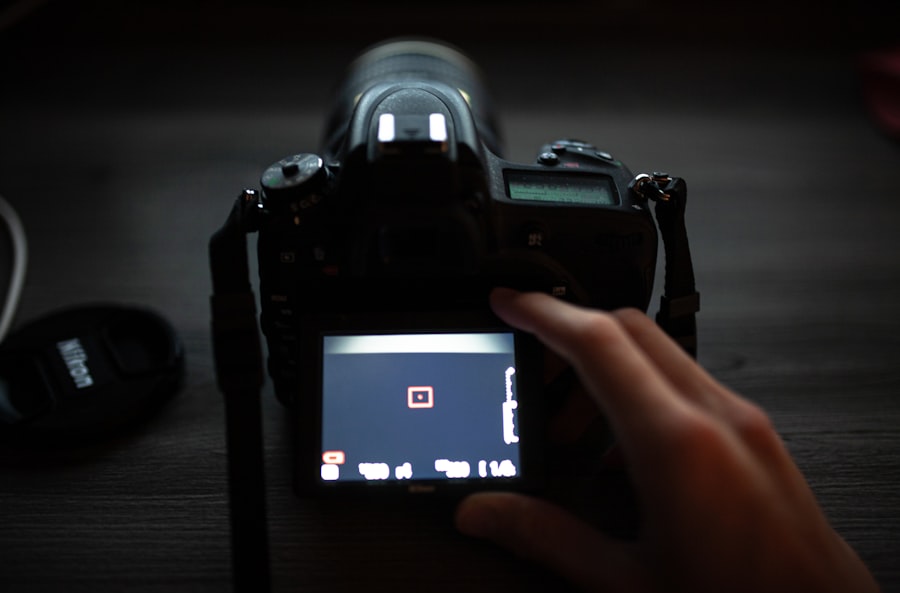
First, let’s look at your camera’s WB menu. It’s usually under the second tab (the camera icon). Here’s a universal workflow:
- Switch to custom Kelvin (K). Scroll to the K icon and use the dial to enter a number. Start at 5500K for daylight, then adjust.
- Use a white or gray card. Hold it in the light, take a test shot, then select “Custom WB” or “Preset” and point the camera at the card. The camera calculates the exact offset.
- Check the histogram. In 2026, mirrorless cameras show live RGB histograms. Make sure red, green, and blue peak at similar heights in the midtones. If one color is higher, adjust WB toward that color’s opposite (e.g., too much blue? Add yellow by raising Kelvin).
- Bracket your WB. Some cameras (like the Canon EOS R5) let you shoot three frames at different Kelvin values. Use that feature for critical scenes — you’ll have a backup.
- Apply tint correction. If your subject looks green or magenta, adjust the “Tint” slider (usually between G/M or A/B). A little goes a long way.
Common Travel Scenarios and Quick White Balance Tips
I’ve compiled these White Balance Tips from years of globetrotting with a backpack. Your photos will look dramatically better if you follow these for each scene:
Sunset and Sunrise
Don’t trust AWB here. It tries to neutralize the warm orange, making it dull. Instead, set Kelvin to around 6000K-6500K. This sounds counterintuitive (higher Kelvin is cooler), but it actually makes the warm colors richer because the camera adds cool to subtract, leaving the warm tones saturated. Or use the “Daylight” preset (5200K) and add +1 exposure compensation to keep the glow.
Snow or Sand
Bright reflective surfaces trick the meter. Set a custom WB at 5500K or use a gray card on the snow. Without this, your snow turns blue or gray. In 2026, cameras like the Nikon Z8 have a “Snow” scene mode that automatically bumps WB warm. Try it!
City Nights and Neon Lights
Mixed lighting is the hardest. For neon signs, embrace the color — set WB to “Fluorescent” (4000K) to keep the neon accurate, then manually adjust tint to remove green from streetlights. For candlelight dinners, use Tungsten (3200K) and underexpose by -0.7 EV to keep the romantic mood.
Recommended Settings for 2026 Travel Photography
- Camera: Any mirrorless with custom Kelvin and tint control (Sony α7 IV, Canon EOS R6 III, Nikon Z6 III)
- Gear: A portable white balance card (e.g., WhiBal or X-Rite ColorChecker) — fits in your pocket
- Software: Adobe Lightroom Classic (2026 update) or Capture One Pro 23 — both have AI-assisted white balance that learns your preferences
- Lens: A 24-70mm f/2.8 zoom for versatility; a 50mm f/1.4 for low-light portraits where WB is critical
For more technical specs, check out DPReview’s review of the Sony A7 IV which goes deep into its WB system. Also, Adobe’s official white balance tutorial is a great resource for post-processing.
Final Coaching: Practice Makes Permanent
White Balance Tips aren’t a one-time fix — they’re a skill you build. The best White Balance Tips I can give you for 2026: shoot one scene with three different Kelvin settings (e.g., 4000K, 5500K, 7000K) and compare them on a big screen. You’ll quickly see which feels “right” for the mood. And always, always check your LCD with a critical eye. Your future self will thank you when you export those travel photos for a gallery or your Instagram feed.
Now go out there, dial in your Kelvin, and capture the world exactly how you see it. Your photos will look like the postcard you always wanted — no filters needed.
💬 Comments (0)
No comments yet. Be the first!