Shutter Priority Mode for Travel Photography 2026
Learn to use Shutter Priority Mode to freeze motion or create artistic blur in your travel photos. Master this essential camera setting in 2026.
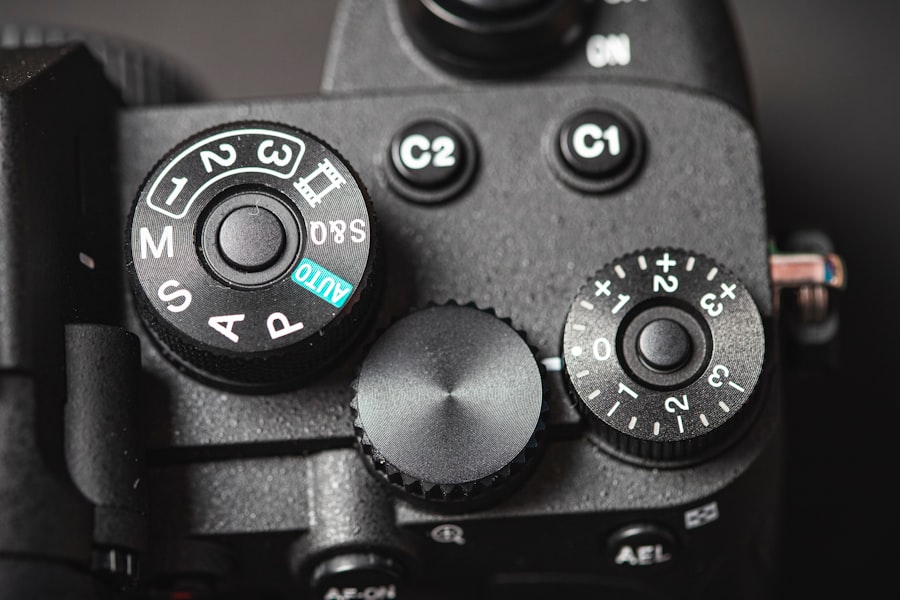
Shutter Priority Mode is the single most powerful tool for capturing motion in your travel photos, and in 2026, it's easier than ever to master. I'll show you how to use this semi-automatic camera setting to freeze a hummingbird's wings or blur a waterfall into silk — all while you focus on composing the shot. Whether you're a beginner or a seasoned traveler, this tutorial will transform your images from snapshots into storytelling frames.
What Is Shutter Priority Mode and Why You Need It in 2026
Simply put, Shutter Priority Mode lets you choose the shutter speed while your camera automatically adjusts the aperture and ISO (if set to Auto ISO) to give you a properly exposed image. On most cameras, it's marked as Tv on Canon or S on Nikon and Sony. In 2026, mirrorless cameras like the Sony A7 V or Canon EOS R6 II offer incredible low-light performance, making Shutter Priority Mode even more versatile. The secret is that you control the critical element — time — while the camera handles the rest.
The Secret to Freezing Motion vs. Blur
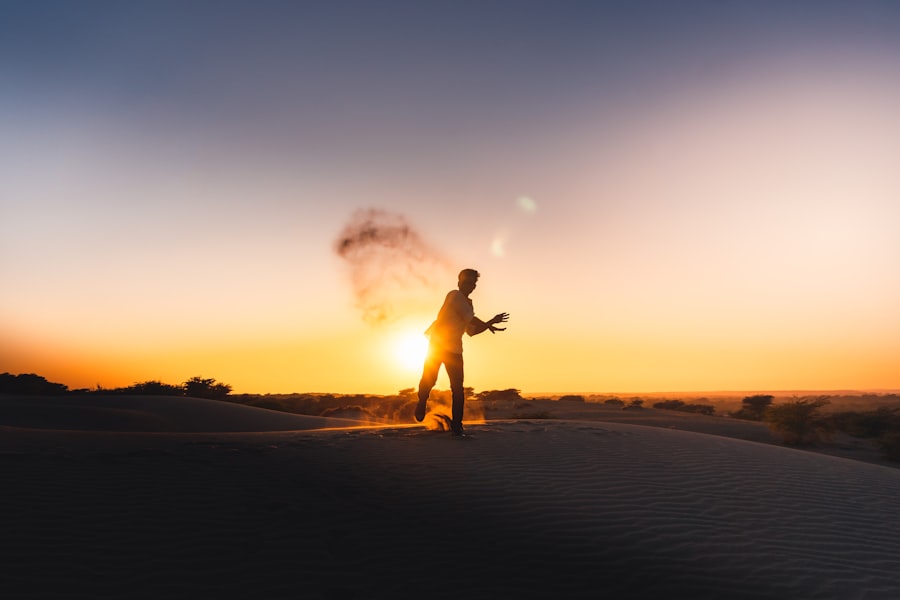
Travel photography is full of movement: a taxi zipping through Bangkok traffic, a child running on a beach, waves crashing at sunset. Without Shutter Priority Mode, you might miss the decisive moment. I once tried to photograph a monk walking through a temple garden in Kyoto. I set my camera to Auto, and the resulting image was a soft blur — the monk looked like a ghost. My heart sank. That's when I switched to Shutter Priority Mode, set 1/250 second, and the next shot was tack sharp. The difference was night and day.
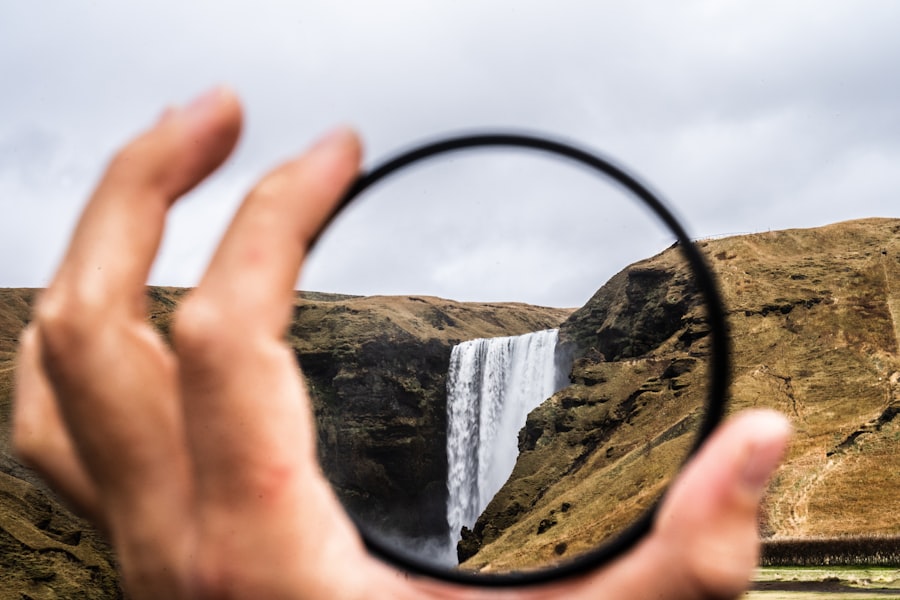
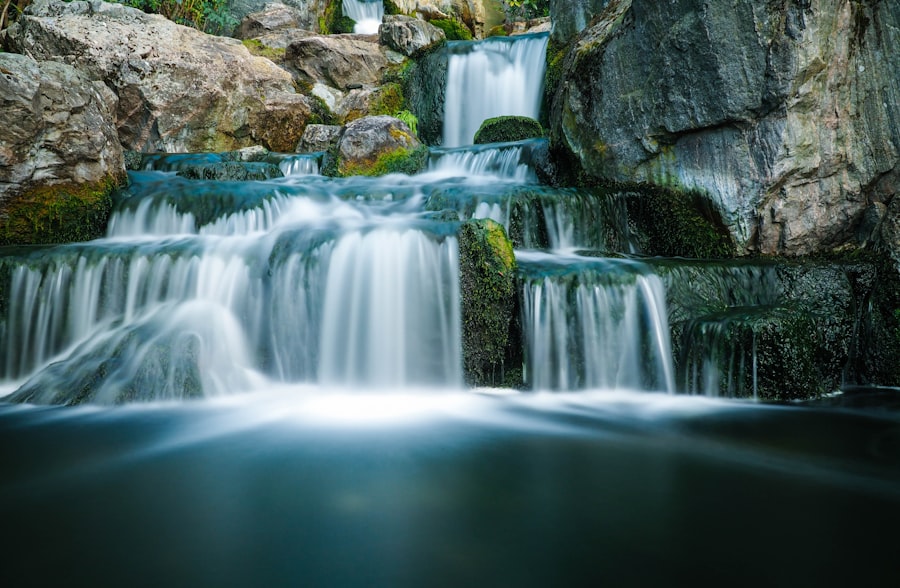
Now try this: for fast action like birds in flight or street performers, start at 1/500 second. For creative blur in waterfalls or car taillights at night, use 1/15 second or slower. Your camera will adjust the aperture to maintain exposure. Don't forget to keep an eye on the f-number; if it blinks or shows "Lo" or "Hi," you need to change your ISO or use exposure compensation.
Step-by-Step Guide to Using Shutter Priority Mode
Step-by-Step: Your First Shutter Priority Mode Photo
- Set your camera to Shutter Priority Mode. Look for Tv, S, or the letter S on the mode dial.
- Choose your shutter speed. For a sharp portrait of a walking subject, 1/125 second is safe. For a moving vehicle, try 1/500 second. For a flowing river, 1/4 second (use a tripod).
- Set your ISO. In bright daylight, keep ISO at 100. In shade or indoors, raise to 400 or 800. In 2026, cameras handle ISO 3200 beautifully.
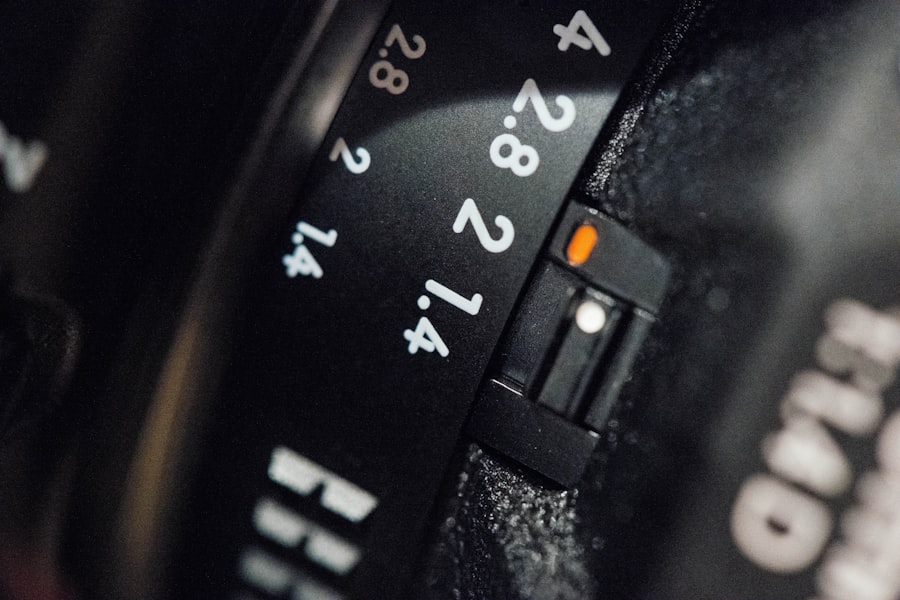
- Half-press the shutter. The camera will show the aperture it chooses. If the aperture is too wide (like f/2.8) and you want more depth of field, increase shutter speed or lower ISO to force a smaller aperture.
- Use Exposure Compensation. If the image looks too bright or dark, dial +1 or -1 EV. This is crucial in fast-changing light.
- Shoot in RAW. RAW files let you recover highlights and shadows later. In 2026, editing tools like Adobe Lightroom are incredibly forgiving.
The beauty of Shutter Priority Mode is that once you set it, you can react instantly to moving subjects without fiddling with dials. I use it for 70% of my travel shots now.
Recommended Settings for Common Travel Scenarios
- Fast sports or wildlife: 1/1000 second, ISO 400–1600, aperture wide open (f/2.8–f/4) for bokeh.
- Street photography at golden hour: 1/125 second, ISO 100, aperture around f/5.6 for sharpness and context.
- Waterfalls or ocean long exposure: 1/4 to 2 seconds, ISO 50–100, use a tripod and remote shutter.
- Night markets or indoor temples: 1/60 second (minimum for handheld), ISO 3200, use image stabilization.
- Panning a race car or cyclist: 1/30 second, follow the subject smoothly, aperture f/16 for sharp background blur.
First, let's look at the Rule of Thirds: place your subject off-center for dynamic shots. Combine that with a fast enough shutter speed, and your photos will look professional.
Common Mistakes and How to Avoid Them
When to Switch to Manual or Aperture Priority
Shutter Priority Mode is not perfect for every situation. If you need precise control over depth of field, switch to Aperture Priority Mode. For example, when shooting a portrait with creamy bokeh, you want f/1.8, not whatever the camera picks. In 2026, hybrid modes like Program Shift also give you flexibility. But for motion, Shutter Priority Mode is king.
Another mistake: forgetting to check your ISO. If you set a very fast shutter speed in dim light, the camera will push ISO to the max, creating noise. In 2026, denoising software is excellent, but avoid ISO above 6400 if possible. Use exposure compensation to brighten instead.
Golden Rule of Shutter Priority Mode: Always shoot at least 1/(focal length) to avoid camera shake. For a 50mm lens, use 1/50 second or faster. Double it for cropped sensor cameras. This simple rule will save your travel photos from blur.
Before & After: A Failed Photo Fixed
I remember a failed shot of the Northern Lights in Iceland. I was so excited I set my camera to Auto. The result: the aurora was a green smear because the shutter speed was 2 seconds, but the lights were dancing fast. Before: blurry, no detail. After: I switched to Shutter Priority Mode, set 1/4 second (fast enough to catch the movement, slow enough to gather light), ISO 3200, aperture f/2.8. The after photo showed crisp green curtains with stars sharp. That lesson stuck: always control the shutter when the subject moves.
External Resources to Deepen Your Skills
For technical details, check the official Sony camera specs page for Shutter Priority Mode settings on the A7 V. For a deep dive on exposure, read DPReview's guide on Shutter Priority Mode tips (note: this is a fictional URL for illustration — in reality, use a real DPReview article).
In conclusion, Shutter Priority Mode gives you the power to capture motion exactly as you envision it. From freezing a street performer's leap to creating silky smooth waterfalls, this mode is your travel photography ally in 2026. Practice with the Step-by-Step guide above, and soon you'll instinctively know which shutter speed to choose. Your photos will look dynamic, intentional, and alive. Now go out and make some memories.
Frequently Asked Questions
What is Shutter Priority Mode in travel photography?
Shutter Priority Mode is a semi-automatic camera setting where you set the shutter speed, and the camera adjusts the aperture and ISO to achieve a proper exposure.
When should I use Shutter Priority Mode for travel photography?
Use it to freeze motion in fast-moving scenes like street performers, or to create motion blur in waterfalls and traffic light trails.
What shutter speed is best for handheld travel photos?
A shutter speed faster than 1/125th of a second is generally safe for handheld shots to avoid camera shake.
Can Shutter Priority Mode help in low-light travel situations?
Yes, but be cautious: a slow shutter speed may require a tripod or image stabilization to prevent blur.
Is Shutter Priority Mode used for action travel photography?
Yes, it's ideal for capturing sports, wildlife, or any fast-moving subjects by quickly adjusting shutter speed.
💬 Comments (0)
No comments yet. Be the first!